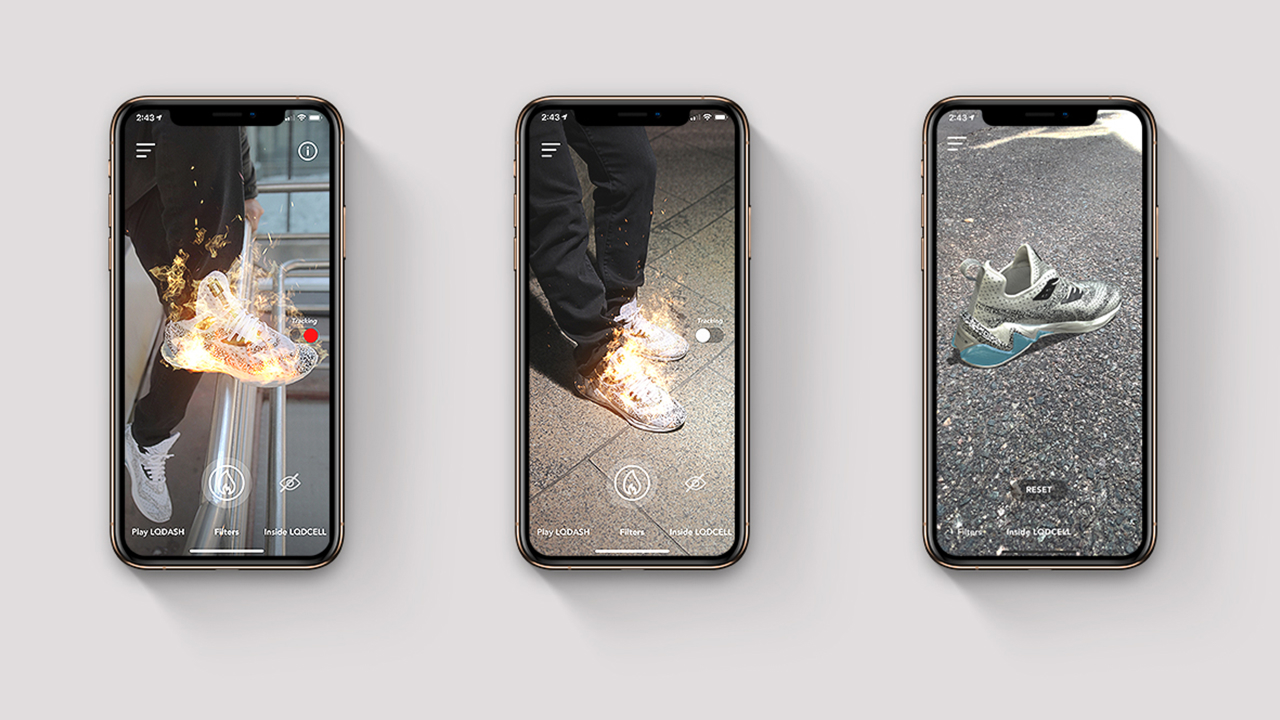
In the hands of sneaker fans, the LQDCELL app provides explorable 3D models, an AR game, and AR filters that target the shoes.
Research
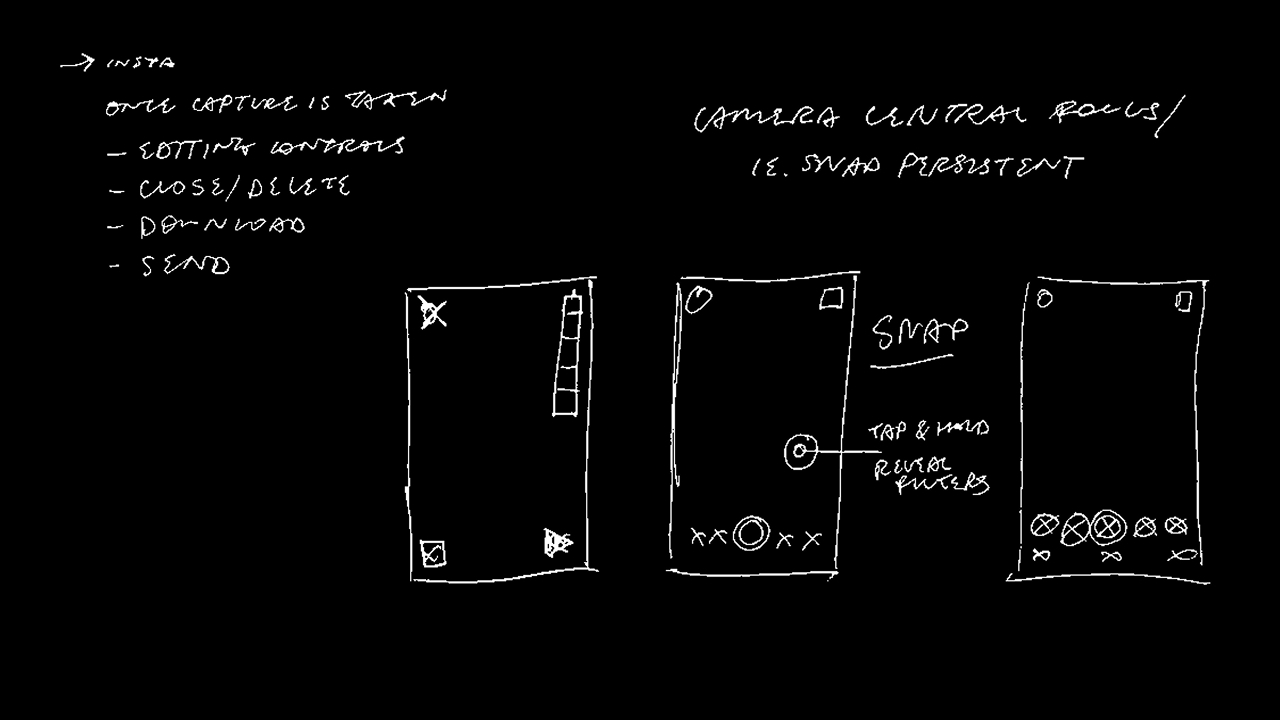
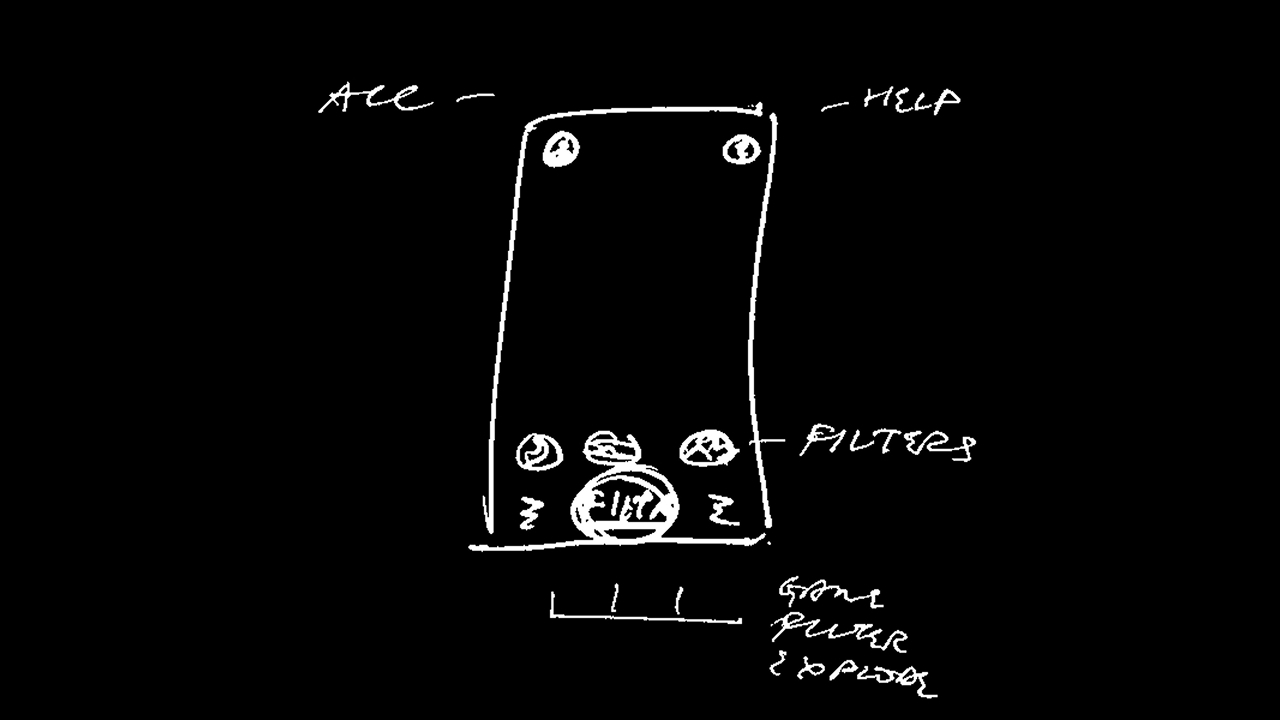
Since we were creating a lens into another dimension, it was important to keep the UI minimal so the camera ran the show. Turning my research toward camera-centric apps and features helped define a list of affordances worth surfacing.
Prototyping
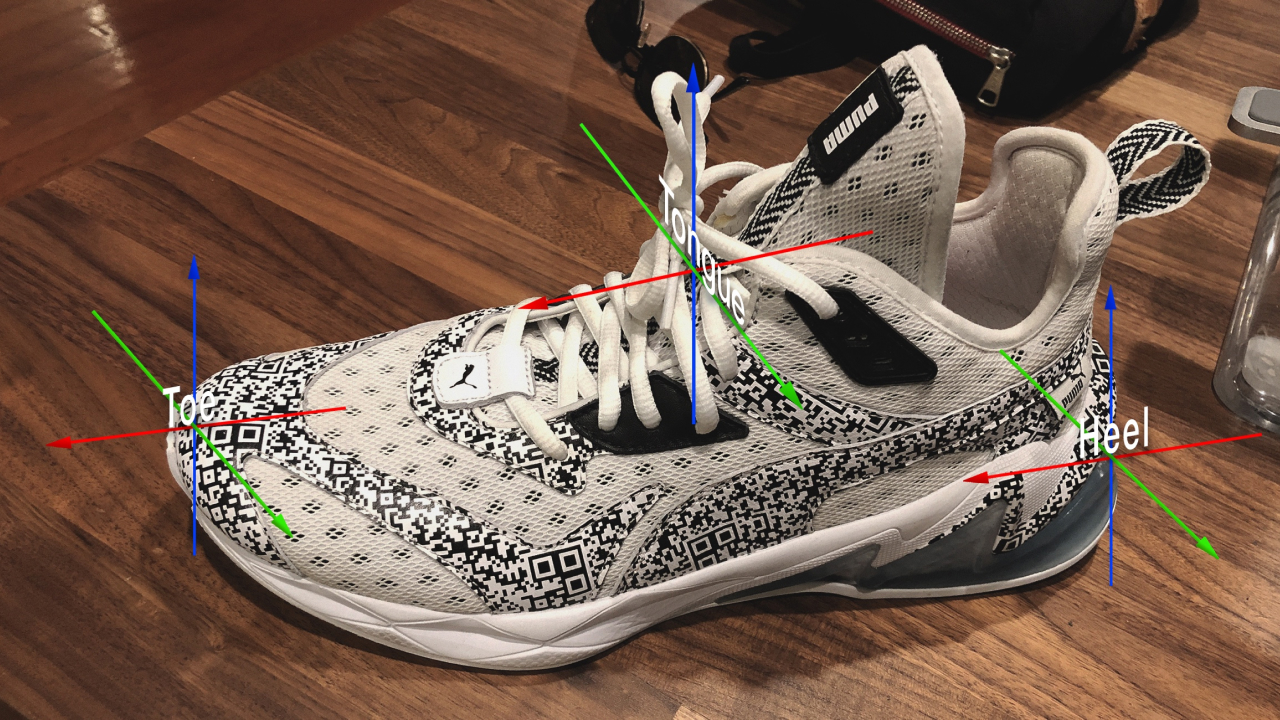
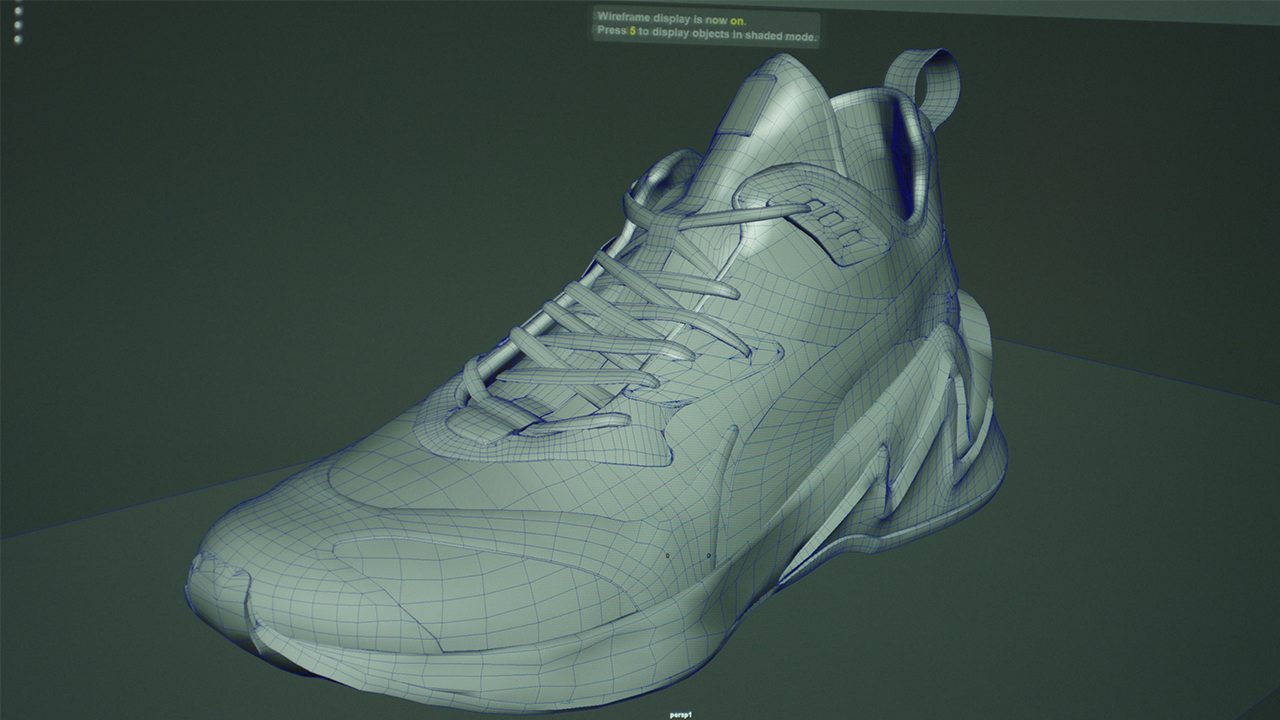
The prototyping process produced a stream of new builds on a daily basis. Working close to development enabled rapid prototyping. This was key because we were shaping the way the app viewed objects in our world, namely the LQDCELL shoe. There was plenty of training to be done so that the model target was accurately identified.
Troubleshooting
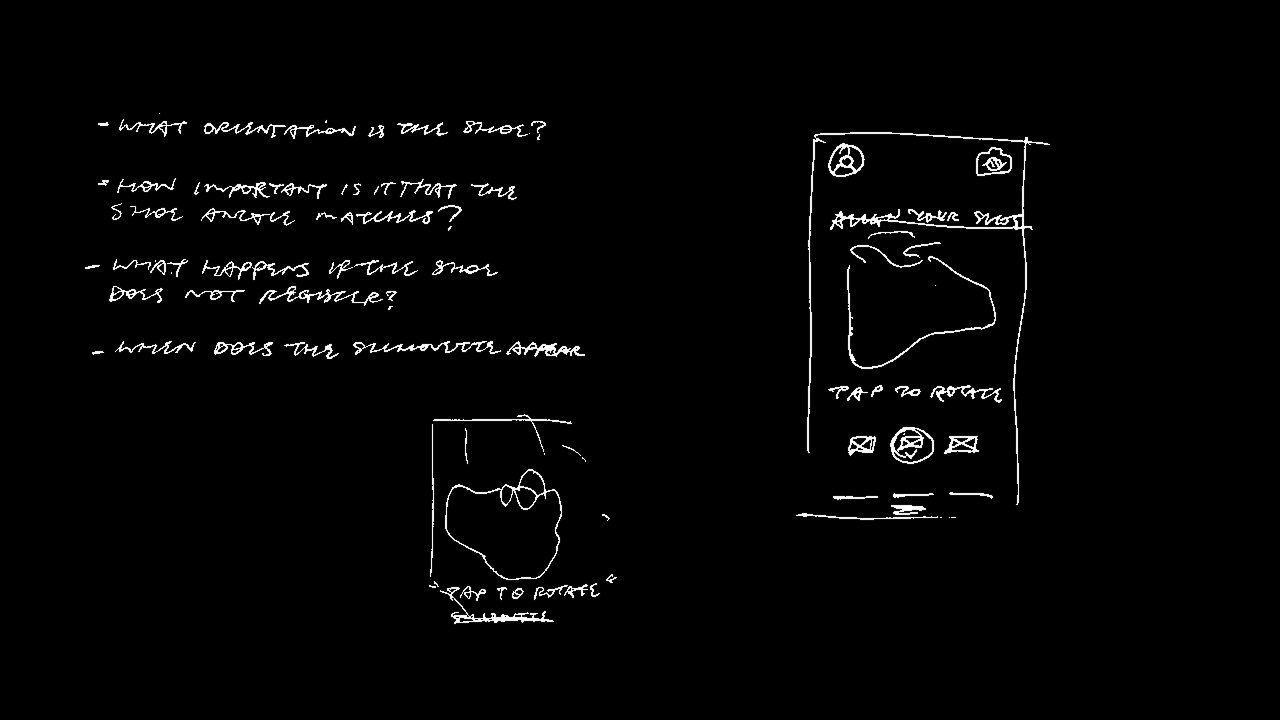
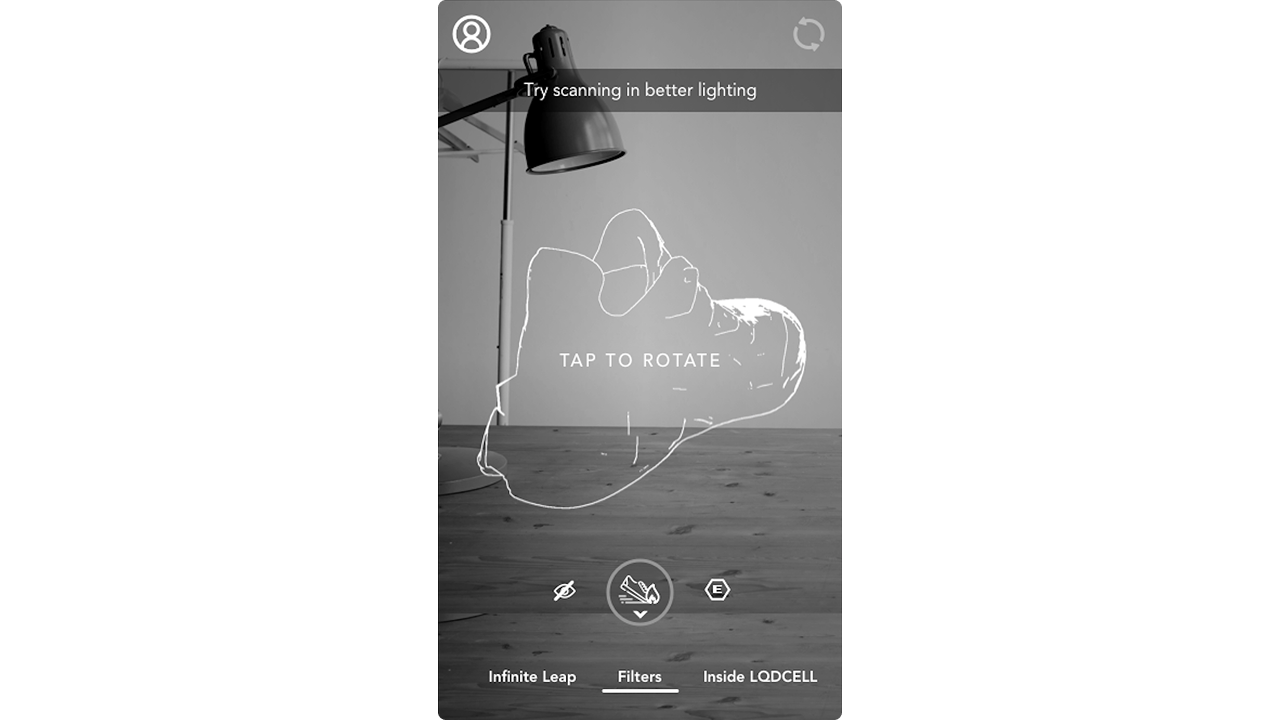
The first time experience for new shoe owners needed to be easy to learn. Usability testing identified opportunities to instruct users. It also tuned us in to the amount of time it takes before a lack of information results in confusion. We didn’t want to leave folks hanging, so I introduced positioning templates and actionable tips for support.
Rollout
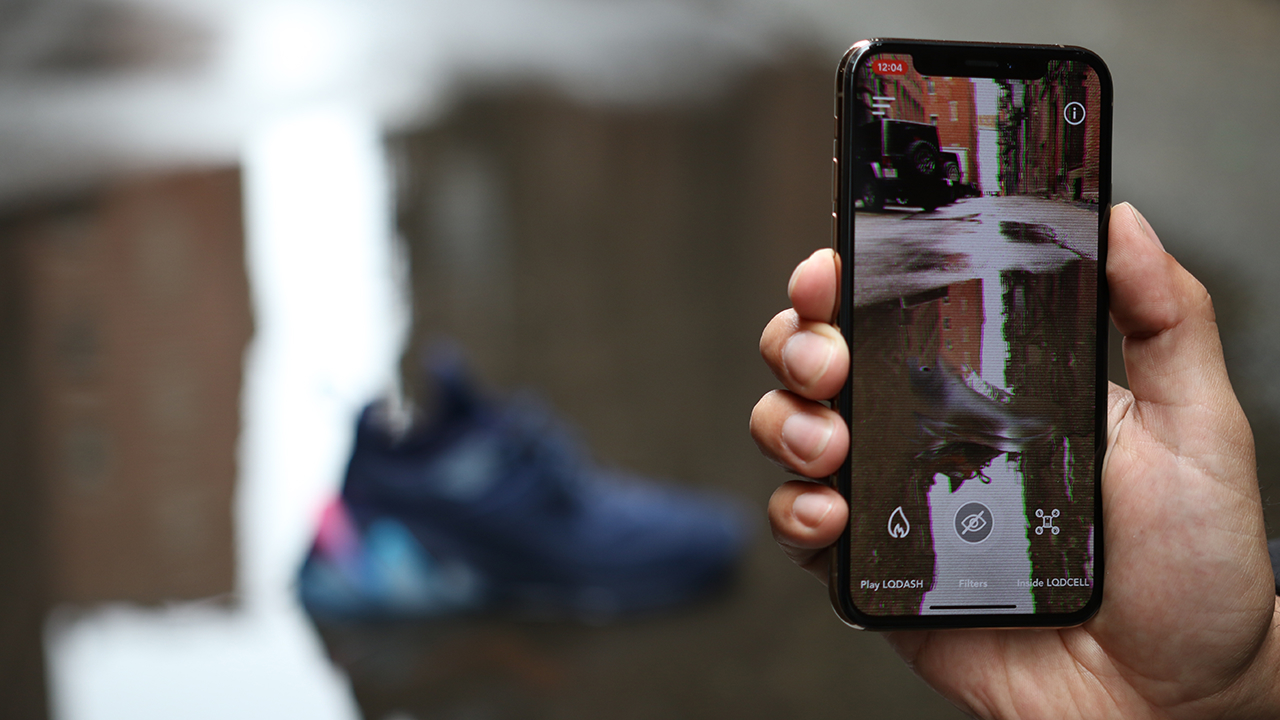
The app is built to support future drops with new AR content. Different colorways pair with new camera filters to create unique photo ops.
Thanks to
Kevin Ngo, Kilo Thomas, Derek Tran, Regi Jacob, Kevin Lee, Jon Vergara
